Intelligent Watermark Detection
Automatically detects watermarks, logos, and text overlays.
Home / Utilities / Watermark Removal
// UTILITIES · TRY FREE · NO CARD
Remove watermarks, logos, and text overlays cleanly.
Phlegethon's watermark removal engine intelligently detects and removes watermarks, logos, and text overlays — then seamlessly inpaints the background for a clean result.
Free to try. No credit card required for any tool.
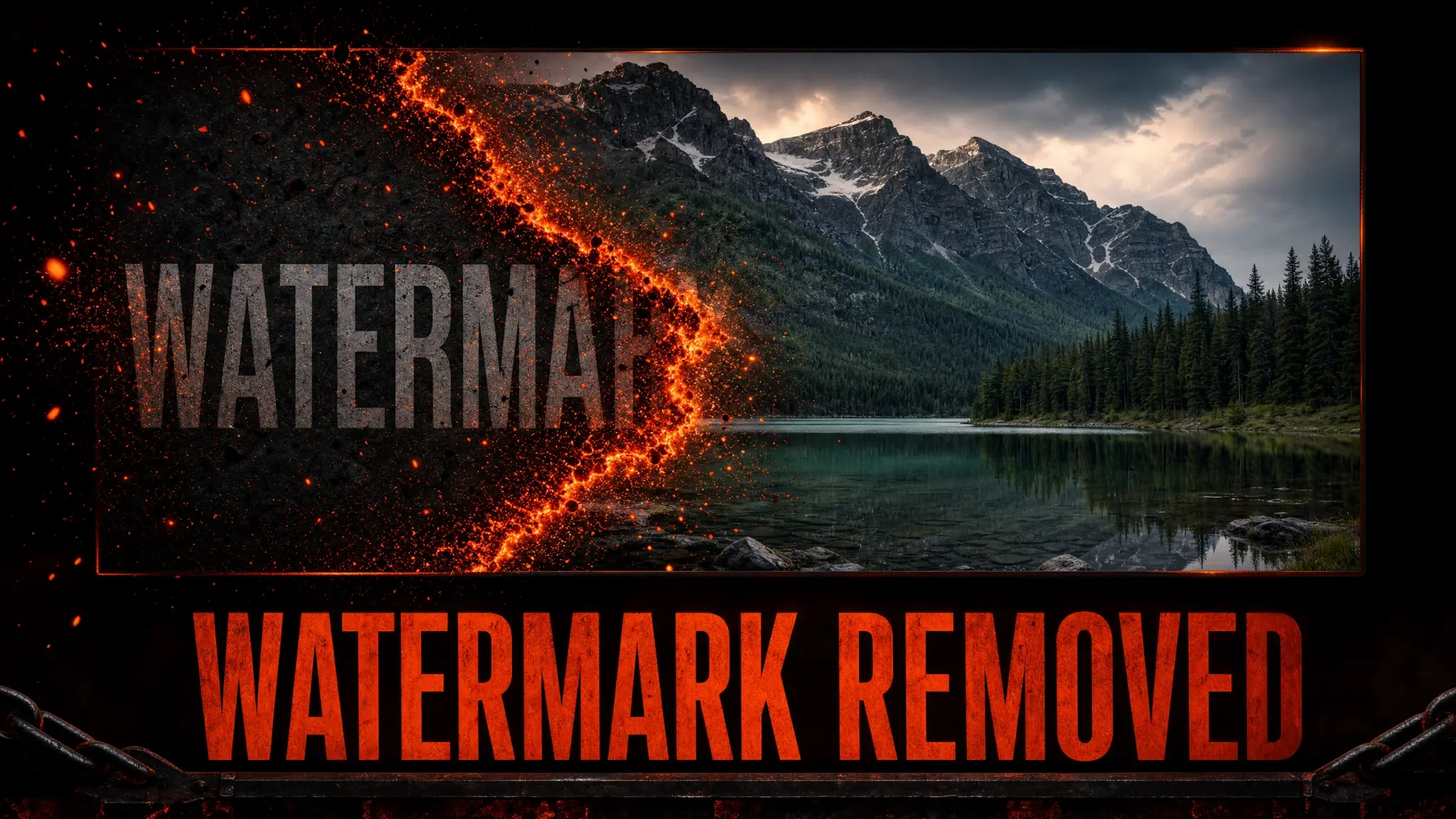
Watermarks and text overlays are a common problem for AI-generated images. Phlegethon's removal engine detects the watermark region, removes it, and uses AI inpainting to reconstruct the background seamlessly. The result looks natural — not like something was erased. Works on stock photo watermarks, platform watermarks, and custom text overlays.
Automatically detects watermarks, logos, and text overlays.
Reconstructs the background behind the watermark seamlessly.
Removes brand logos and watermark graphics.
Removes text watermarks and captions.
Background is reconstructed naturally, not left blank.
Clean images perform better through the bypass pipeline.
Remove stock photo watermarks from images you own the rights to.
Clean up AI-generated images that have platform watermarks.
Remove unwanted text overlays from photos.
Clean up images for commercial use by removing branding.
Upload a JPG, PNG, or WebP up to 20MB with a visible watermark.
The engine detects and removes the watermark automatically.
Check the inpainted area looks natural.
Download your clean image, then send it through the Forge.
| Feature | Phlegethon | Photoshop |
|---|---|---|
| Auto-detection | Yes — automatic watermark detection | Manual selection required |
| Background reconstruction | AI inpainting, seamless result | Content-aware fill, variable quality |
| Skill required | None | Intermediate Photoshop skills |
| Time per image | ~15 seconds | 5–30 minutes manual work |
| Bypass-ready output | Yes — forge pipeline integrated | No bypass capability |
| Batch processing | Yes — process multiple images | Manual, one at a time |
Try free — no credit card required. Uncensored where the product allows. 18+ only.
Start Free →