Precise Edge Detection
AI accurately detects edges including hair, fur, and complex outlines.
Home / Utilities / Background Removal
// UTILITIES · TRY FREE · NO CARD
Clean transparent PNG extraction with precise edge detection.
Remove the background from any photo and get a clean transparent PNG. Phlegethon's background removal engine uses AI edge detection for precise, clean cutouts.
Free to try. No credit card required for any tool.
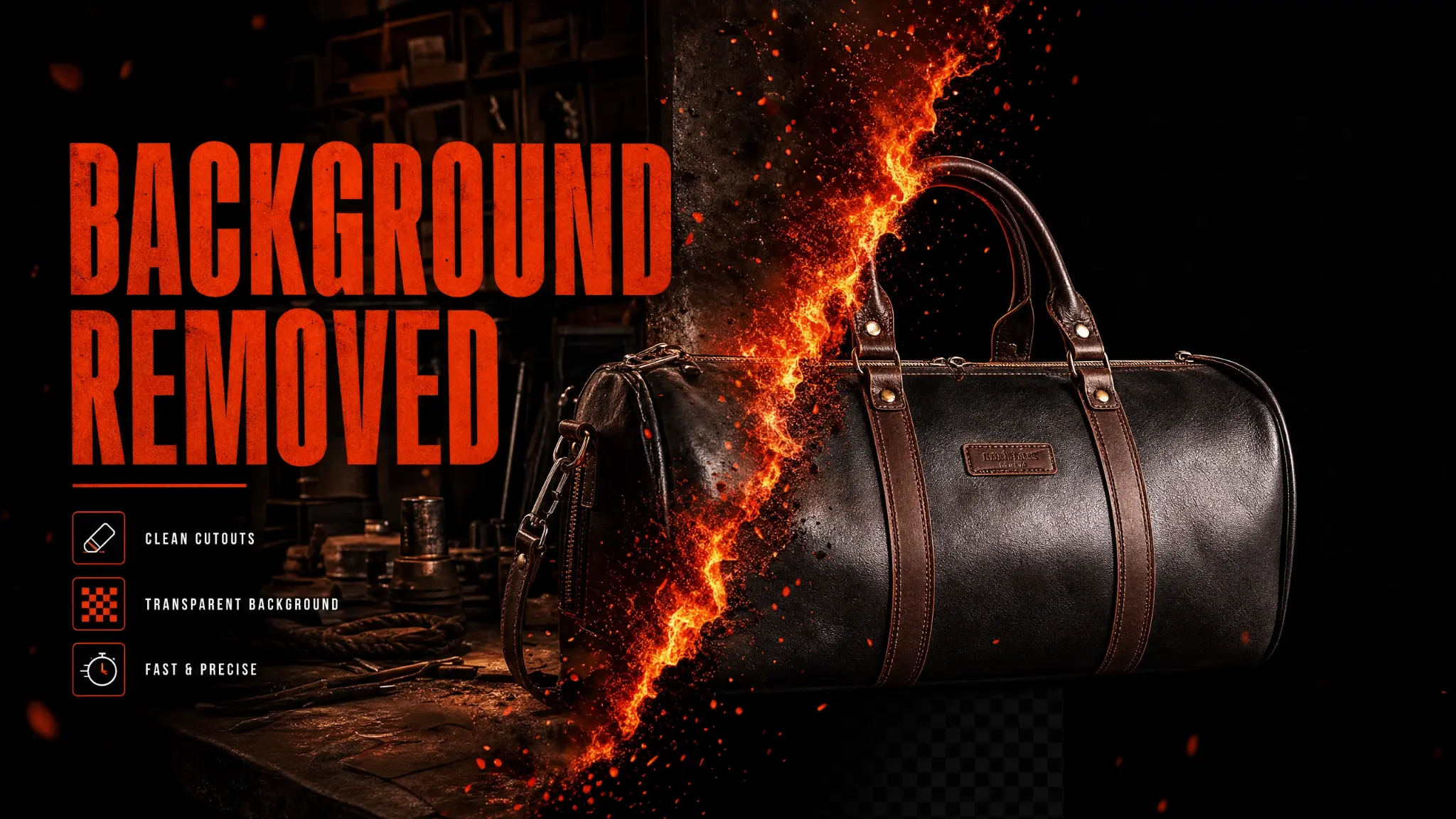
Phlegethon's Background Removal tool uses AI-powered edge detection to precisely separate the subject from the background. The result is a clean transparent PNG with accurate edges — including hair, fur, and complex outlines. At just 0.free to try, it's the most affordable tool in the suite. Essential for the Generate Background tool, which requires a transparent PNG as input.
AI accurately detects edges including hair, fur, and complex outlines.
Returns a clean PNG with transparent background.
People, products, animals, objects — any subject.
No rough edges or background fringing.
The Generate Background tool requires a transparent PNG as input.
Just 0.free to try — the cheapest tool in the Phlegethon suite.
Remove background first, then use Generate Background to add an AI-generated scene.
Extract products for use on white or custom backgrounds.
Cut out subjects for compositing into new scenes.
Create clean product images with transparent backgrounds.
Upload a JPG, PNG, or WebP up to 20MB.
The engine removes the background automatically in ~10 seconds.
Download your clean transparent PNG.
Use the PNG with Generate Background, or composite it into a new scene.
| Feature | Phlegethon | Remove.bg |
|---|---|---|
| Price per image | 0.free to try (~) | –1.99 per image |
| Edge accuracy | AI edge detection, precise | Good, but limited on complex hair |
| Integration with other tools | Direct pipeline to Generate Background | Standalone tool, no pipeline |
| Bypass-ready output | Yes — forge pipeline integrated | No bypass capability |
| Max file size | 20MB | 25MB (free), larger on paid |
| NSFW content | Yes — no restrictions | Content filters apply |
Try free — no credit card required. Uncensored where the product allows. 18+ only.
Start Free →