Smart Compression
AI-optimized compression that balances size and quality.
Home / Utilities / Image Compression
// UTILITIES · TRY FREE · NO CARD
Reduce file size while preserving visual quality.
Compress your images to a smaller file size without visible quality loss. Phlegethon's smart compression engine preserves visual quality while dramatically reducing file size.
Free to try. No credit card required for any tool.
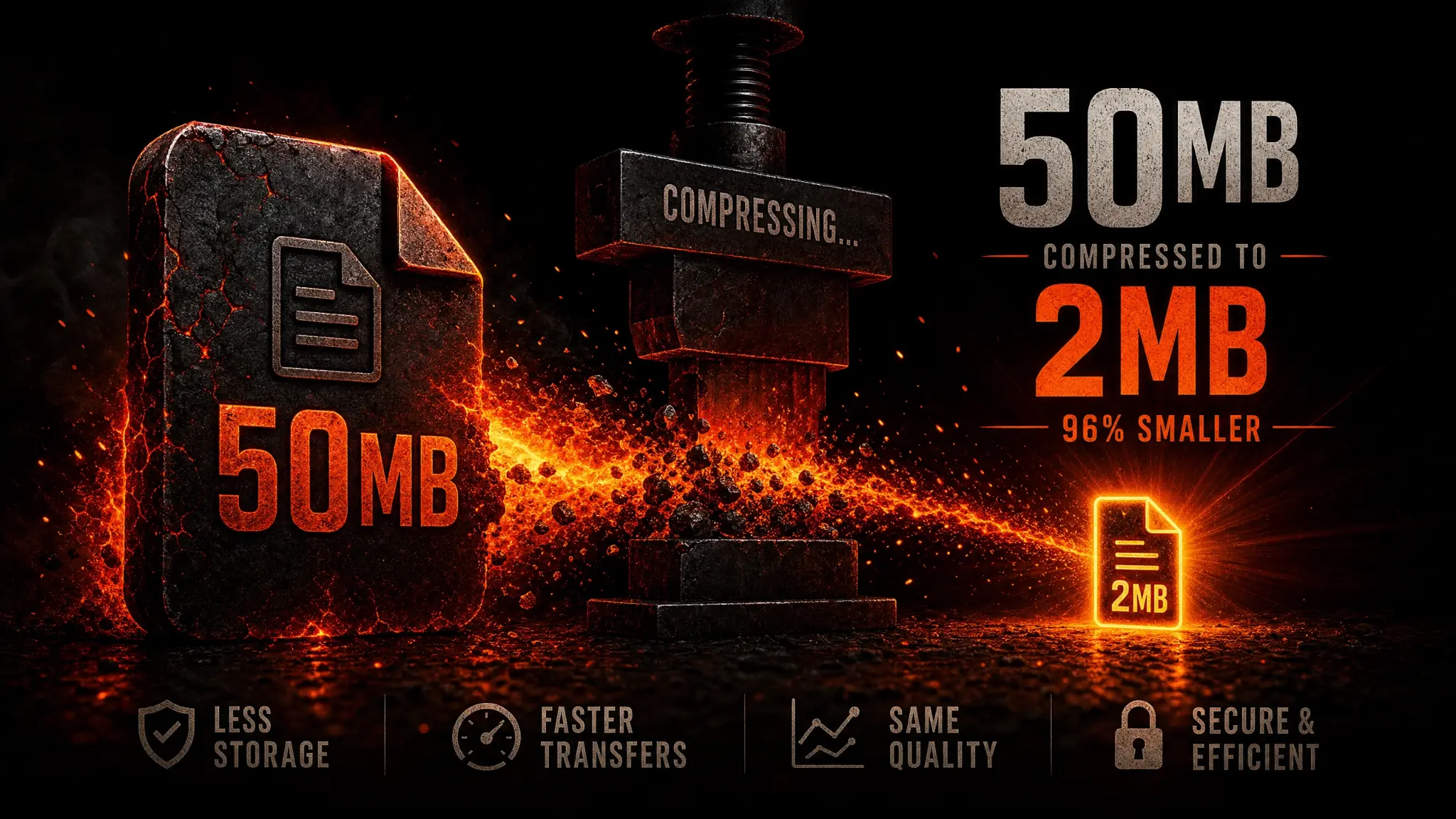
Large image files can cause problems on many platforms — slow uploads, file size limits, and detection triggers. Phlegethon's Image Compression tool uses smart compression algorithms to reduce file size while preserving visual quality. The engine selects the optimal compression level for each image, balancing size reduction with quality preservation. Great for preparing images for platform uploads or reducing storage requirements.
AI-optimized compression that balances size and quality.
Minimal visible quality loss even at high compression.
Typically reduces file size by 50–80%.
Output in JPG or PNG depending on source format.
Compression completes in under 10 seconds.
Compressed images are ready for the bypass pipeline.
Reduce file size to meet platform upload limits.
Compress large AI-generated images for faster uploads.
Reduce image file sizes for web and commercial use.
Reduce storage requirements for large image libraries.
Upload a JPG, PNG, or WebP up to 20MB.
The engine compresses the image in ~10 seconds.
Download your smaller file.
Use the compressed image directly or send it through the Forge.
| Feature | Phlegethon | TinyPNG |
|---|---|---|
| Cost | free to try (~) | Free (limited) or /month |
| Smart compression | AI-optimized per image | Fixed algorithm, no AI optimization |
| NSFW content | Yes — no restrictions | Content filters may apply |
| Bypass-ready output | Yes — forge pipeline integrated | No bypass capability |
| Pipeline integration | Direct pipeline to Forge | Standalone tool, manual workflow |
| Typical size reduction | 50–80% | 60–70% (similar) |
Try free — no credit card required. Uncensored where the product allows. 18+ only.
Start Free →