Precise Face Detection
AI optimized specifically for facial and head extraction.
Home / Utilities / Face Cutout
// UTILITIES · TRY FREE · NO CARD
Precise face and head extraction for compositing.
Extract the face or head from a portrait photo with precise AI edge detection. Clean transparent PNG output with accurate hair and skin edges.
Free to try. No credit card required for any tool.
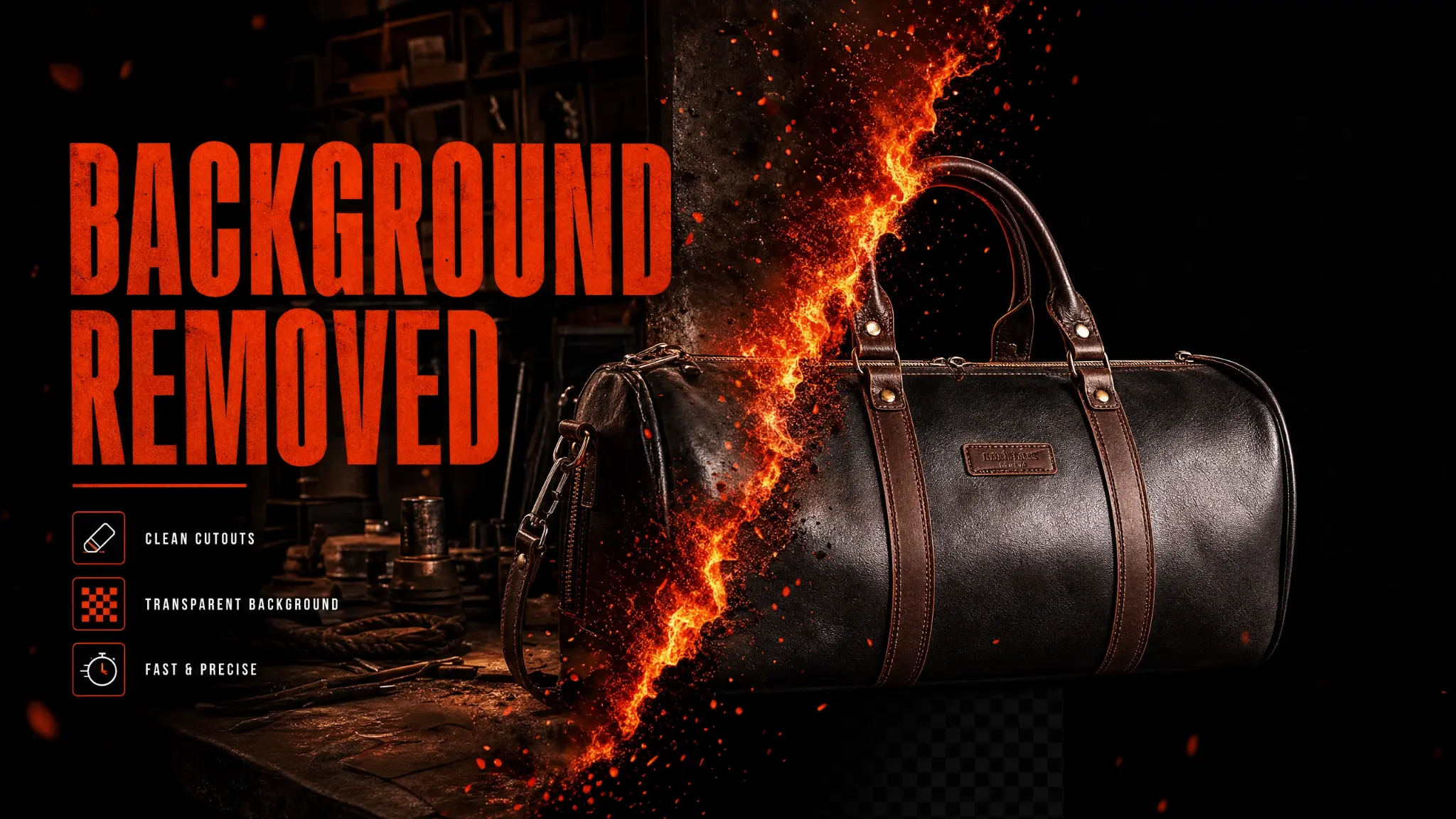
Phlegethon's Face Cutout tool specializes in extracting faces and heads from portrait photos. Unlike general background removal, it's optimized specifically for facial extraction — handling complex hair edges, skin tones, and facial features with higher precision. The result is a clean transparent PNG ready for compositing, ID photo creation, or other uses.
AI optimized specifically for facial and head extraction.
Accurate edge detection including fine hair strands.
Clean PNG output with transparent background.
Face and skin details preserved at full quality.
Output is ready for use in any compositing workflow.
Completes in under 15 seconds.
Extract face for use with the ID Photo tool.
Cut out faces for use in composite images.
Extract faces for use in custom content compositions.
Create clean profile photo cutouts for professional use.
Upload a JPG, PNG, or WebP up to 20MB with a clear face visible.
The engine extracts the face in ~15 seconds.
Download your clean face cutout as a transparent PNG.
Use the cutout in your compositing workflow or with other Phlegethon tools.
| Feature | Phlegethon | Photoshop |
|---|---|---|
| Hair edge accuracy | AI-optimized, precise | Manual Select & Mask required |
| Time per image | ~15 seconds | 15–45 minutes manual work |
| Skill required | None | Advanced Photoshop skills |
| Consistency | Consistent AI results | Varies by operator skill |
| Bypass-ready output | Yes — forge pipeline integrated | No bypass capability |
| Cost | free to try (~) | Photoshop subscription required |
Try free — no credit card required. Uncensored where the product allows. 18+ only.
Start Free →