Solid Color Backgrounds
White, blue, grey, and custom background colors.
// UTILITIES · TRY FREE · NO CARD
Passport and ID-style photos with professional results.
Create clean passport or ID-style photos with solid color backgrounds. Standard mode for quick results; Advanced mode for professional face alignment and compliance.
Free to try. No credit card required for any tool.
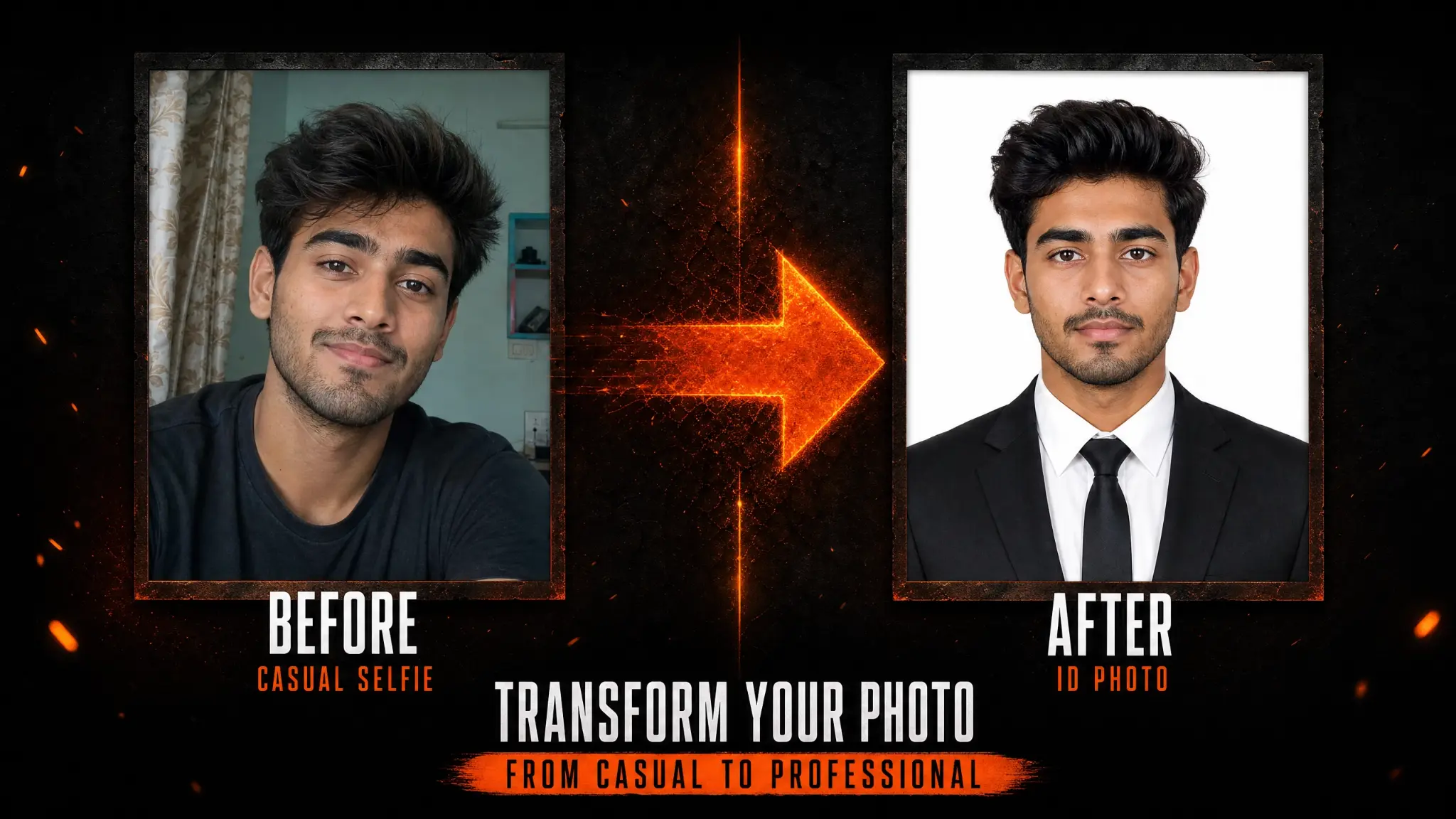
Phlegethon's ID Photo tool creates professional passport and ID-style photos from any portrait. Standard mode (free to try) quickly crops, aligns, and places the subject on a solid background. Advanced mode (free to try) adds professional face alignment, compliance checking, and fine-detail processing for official document use. Both modes support custom background colors.
White, blue, grey, and custom background colors.
Proper head-to-frame ratio for ID photo standards.
Advanced mode adds precise face alignment for compliance.
Standard passport, visa, and custom sizes.
Standard for quick results, Advanced for professional compliance.
Optimized for the Phlegethon bypass pipeline.
Create compliant passport and visa photos from any portrait.
Create clean professional headshots with solid backgrounds.
Create ID-style photos for character personas and profiles.
Quickly create ID photo variations from portrait sessions.
Upload a JPG, PNG, or WebP up to 20MB with a clear face visible.
Standard for quick results. Advanced for professional face alignment.
Choose white, blue, grey, or a custom color.
Download your ID photo, ready for use.
| Feature | Phlegethon | Photo Kiosk |
|---|---|---|
| Cost | available to try free (~–0.90) | –25 per set at kiosk |
| Convenience | Online, instant | In-store visit required |
| Background colors | White, blue, grey, custom | White or blue only |
| Face alignment | Advanced mode: AI-precise | Manual, operator-dependent |
| Bypass-ready output | Yes — forge pipeline integrated | No bypass capability |
| Turnaround | ~15–30 seconds | 10–30 minutes in-store |
Try free — no credit card required. Uncensored where the product allows. 18+ only.
Start Free →