AI-Powered Sharpening
Intelligent sharpening that enhances detail without introducing artifacts.
Home / Utilities / Photo Enhancement
// UTILITIES · TRY FREE · NO CARD
AI-powered sharpening, upscaling, and portrait restoration.
Instantly sharpen, upscale, and restore your photos with Phlegethon's AI enhancement engine. Standard mode for quick enhancement; Advanced mode for deep portrait restoration.
Free to try. No credit card required for any tool.
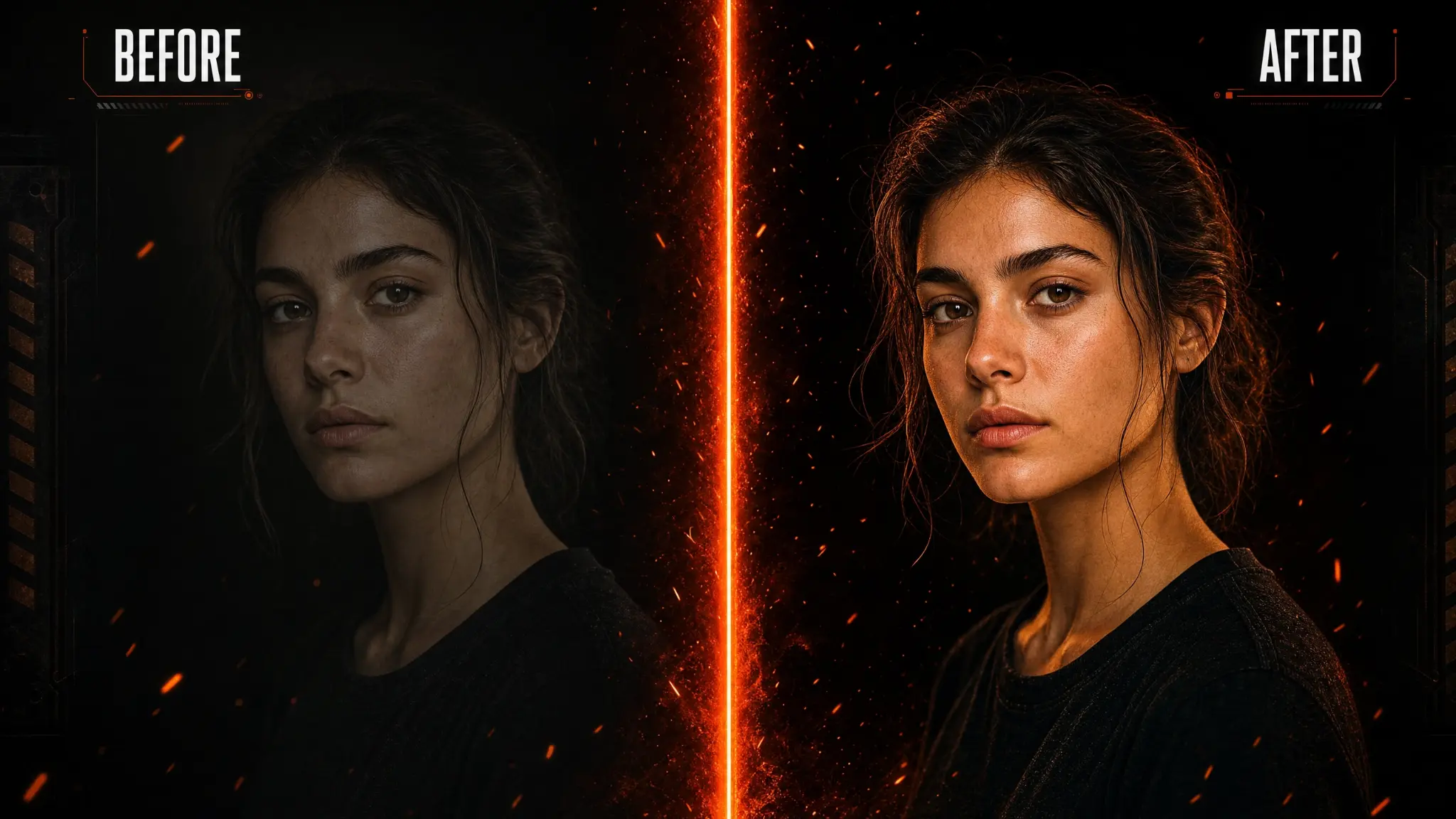
Phlegethon's Photo Enhancement tool uses a multi-stage AI pipeline to improve image quality. Standard mode (free to try) applies AI sharpening, noise reduction, and upscaling for fast, high-quality results. Advanced mode (free to try) adds a deep portrait restoration pass that recovers fine facial details, skin texture, and hair — ideal for close-up portraits or images that need maximum quality before forging. Always use enhancement before sending your image to the Forge.
Intelligent sharpening that enhances detail without introducing artifacts.
Increase resolution while preserving and enhancing detail.
Remove grain and noise while preserving fine detail.
Deep restoration pass for facial detail, skin texture, and hair (Advanced mode).
Enhanced images perform better through the bypass pipeline.
Standard mode completes in under 20 seconds.
Enhance portrait quality before forging for better bypass results.
Improve image quality for better platform performance.
Restore and enhance degraded or low-resolution images.
Upscale and enhance product and lifestyle images for commercial use.
Upload a JPG, PNG, or WebP up to 20MB.
Standard for quick AI enhancement. Advanced for deep portrait restoration.
Standard completes in ~15s. Advanced takes ~30s.
Download your enhanced image, then send it through the Forge.
| Feature | Phlegethon | Lightroom |
|---|---|---|
| AI-powered sharpening | Yes — intelligent, artifact-free | Manual sliders, risk of artifacts |
| Portrait restoration | Deep AI pass (Advanced mode) | Manual retouching required |
| Upscaling quality | AI upscaling up to 4x | Basic bicubic, quality loss |
| Skill required | None | Intermediate to advanced skills |
| Time per image | ~15–30 seconds | 10–60 minutes manual work |
| Bypass-ready output | Yes — forge pipeline integrated | No bypass capability |
Try free — no credit card required. Uncensored where the product allows. 18+ only.
Start Free →