Detailed Bunny Costume
Full costume including bodysuit, ears, bow tie, and cuffs.
// GEN AI · TRY FREE · NO CARD
Playful bunny costume with realistic fabric and accessories.
Transform any photo with a detailed bunny suit costume. The engine generates accurate fabric, proper accessories (ears, bow tie, cuffs), and realistic lighting integration.
Free to try. No credit card required for any tool.
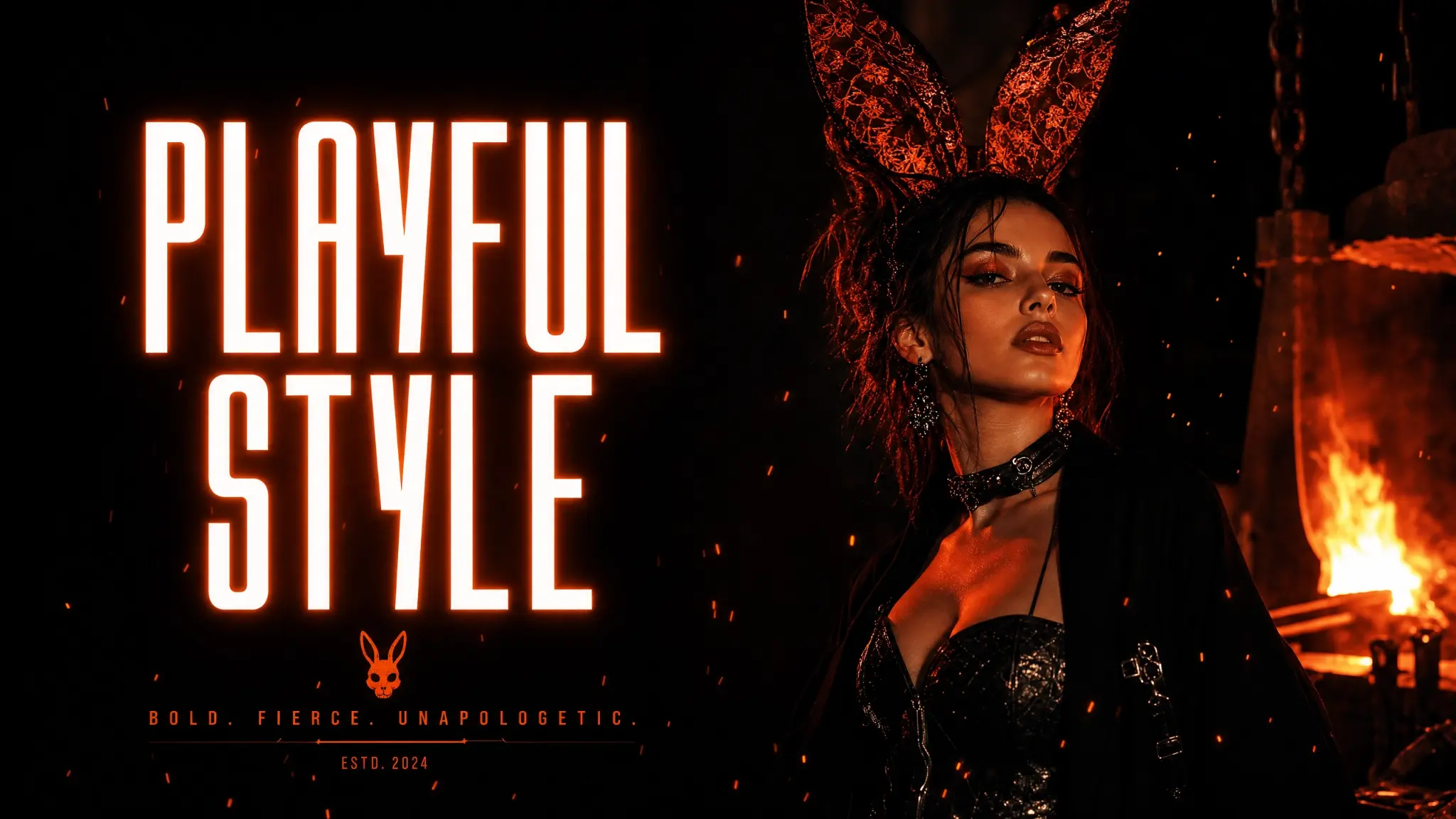
The Bunny Suit style applies a classic Playboy-style bunny costume transformation. The AI generates the iconic satin bodysuit, bunny ears, bow tie, and cuffs with realistic fabric texture and proper fit. Lighting and shadows match the original image for a seamless result.
Full costume including bodysuit, ears, bow tie, and cuffs.
Satin and velvet textures with proper highlights.
Ears, bow tie, and cuffs generated accurately.
Costume lighting matches the original image.
Standard quality for speed, High quality for maximum detail.
Optimized for the Phlegethon bypass pipeline.
Create bunny costume content for your platform without a wardrobe.
Generate bunny costume variations for cosplay content.
Add costume variations to existing portrait photos.
Scale themed content production without physical costumes.
Upload a JPG, PNG, or WebP up to 20MB.
Standard quality for speed, High quality for maximum fabric detail.
Processing takes 15–30 seconds.
Download your result, then send it through the Forge.
| Feature | Phlegethon | Costume Rental |
|---|---|---|
| Cost | free to try (~–1) | –200+ rental + photoshoot cost |
| Costume quality | Photorealistic AI-generated | Depends on rental quality |
| Time to result | ~20 seconds | Days of planning and shooting |
| Accessories included | Ears, bow tie, cuffs — all auto-generated | May be incomplete or low quality |
| Bypass-ready output | Yes — forge pipeline integrated | No bypass capability |
| Unlimited variations | Yes | One shoot per rental |
Try free — no credit card required. Uncensored where the product allows. 18+ only.
Start Free →