Scratch Removal
AI detects and removes scratches and physical damage marks.
Home / Utilities / Old Photo Restoration
// UTILITIES · TRY FREE · NO CARD
Restore faded, damaged, and scratched photos to a clean state.
Phlegethon's restoration engine repairs damaged, faded, and scratched old photos using AI. Removes damage artifacts and restores clarity while preserving the original character of the photo.
Free to try. No credit card required for any tool.
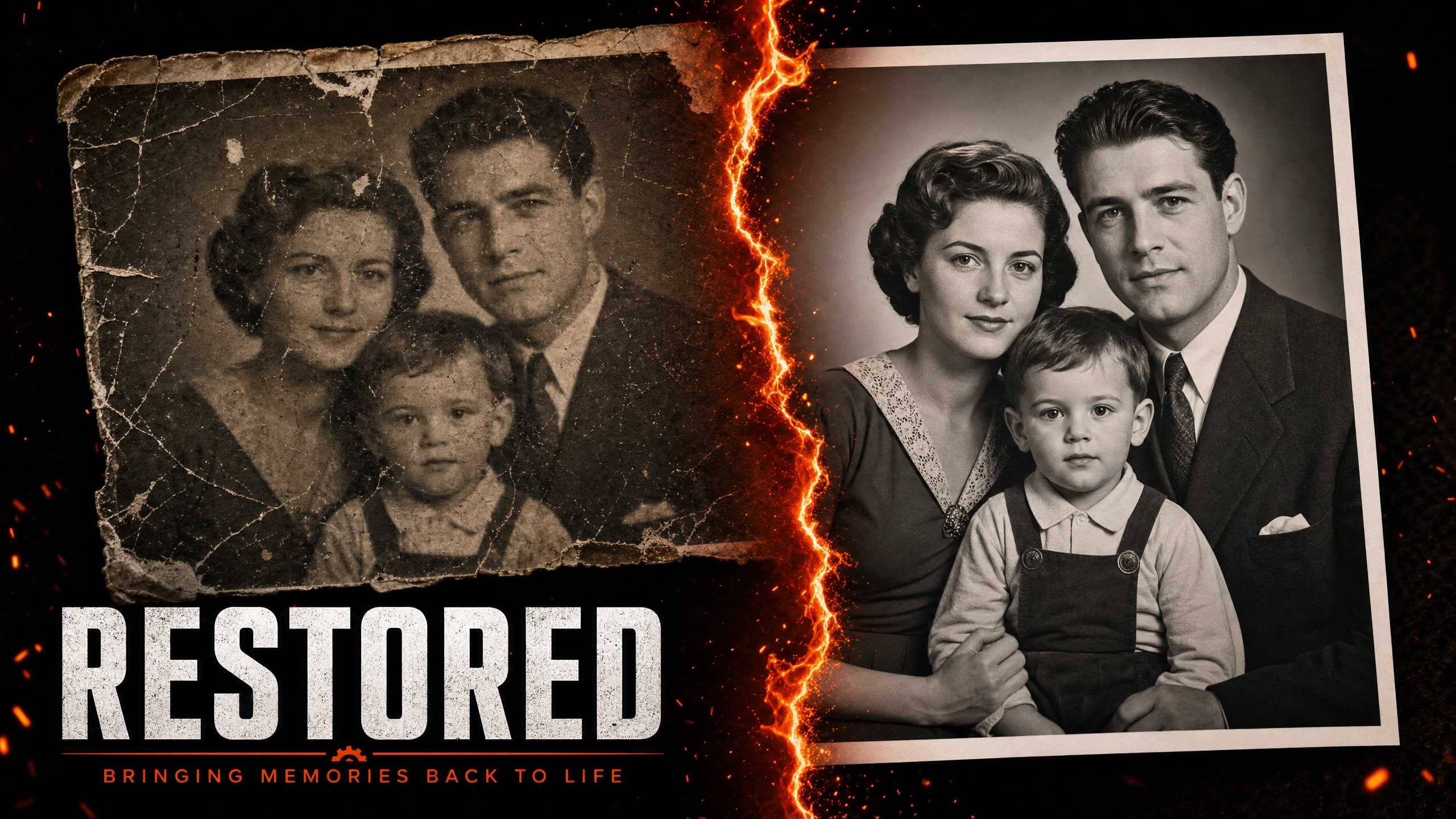
Old and damaged photos suffer from scratches, fading, color loss, and physical damage. Phlegethon's restoration engine uses AI to detect and repair these issues — removing scratches, restoring faded areas, correcting color, and improving overall clarity. The result looks like the photo was always in good condition, while preserving the original composition and character.
AI detects and removes scratches and physical damage marks.
Restores faded areas to their original brightness and contrast.
Corrects color shifts and restores natural color balance.
Repairs tears, spots, and physical damage artifacts.
Preserves the original character and composition of the photo.
Restored images perform better through the bypass pipeline.
Restore old family photos to share with younger generations.
Digitally restore historical photographs for preservation.
Restore vintage AI-generated images for use in content.
Restore damaged source images for commercial use.
Upload a JPG, PNG, or WebP up to 20MB. Works on scanned or digitized old photos.
The engine analyzes and repairs damage in ~20 seconds.
Download your restored photo.
Use Photo Colorization to add color to black-and-white restored photos.
| Feature | Phlegethon | Pro Services |
|---|---|---|
| Cost | free to try (~) | –300+ per photo |
| Turnaround time | ~20 seconds | 1–7 business days |
| Damage types handled | Scratches, fading, color loss, spots | All types (human judgment) |
| Consistency | Consistent AI results | Varies by operator |
| Bypass-ready output | Yes — forge pipeline integrated | No bypass capability |
| Skill required | None | Professional retoucher required |
Try free — no credit card required. Uncensored where the product allows. 18+ only.
Start Free →