AI Outpainting
Generates new content that seamlessly extends the original image.
Home / Utilities / Image Expansion
// UTILITIES · TRY FREE · NO CARD
Extend your image canvas with AI outpainting.
Expand the canvas of any image by outpainting new content around the edges. Phlegethon's expansion engine generates seamless new content that matches the original style.
Free to try. No credit card required for any tool.
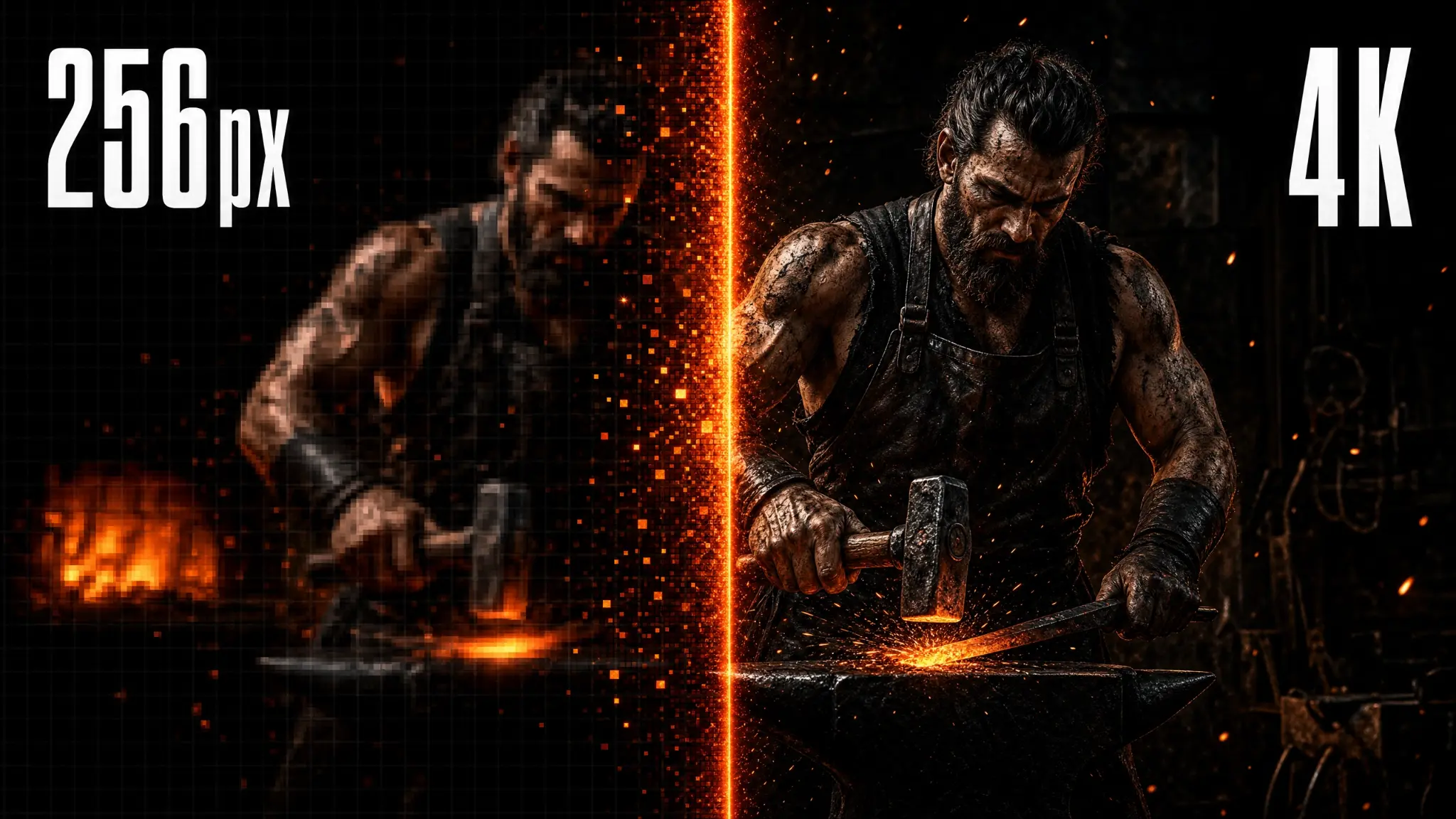
Image Expansion uses AI outpainting to extend your image beyond its original borders. The engine analyzes the existing image content — style, lighting, colors, and composition — and generates new content that seamlessly continues the scene. Choose from preset expansion ratios (1.5x, 2x, 3x) or custom dimensions. Great for creating wider compositions, adding space for text overlays, or expanding portrait crops.
Generates new content that seamlessly extends the original image.
No visible seam between original and generated content.
Choose from preset ratios or custom dimensions.
Generated content matches the original image's style and lighting.
1.5x, 2x, 3x, and custom expansion options.
Expanded images are ready for the bypass pipeline.
Expand portrait crops to show more of the scene.
Add space for text overlays and branding in marketing images.
Expand images to fit different platform aspect ratios.
Extend compositions to create wider or taller formats.
Upload a JPG, PNG, or WebP up to 20MB.
Select 1.5x, 2x, 3x, or a custom expansion size.
The engine outpaints the new content in ~25 seconds.
Download your expanded image and use it for forging or other purposes.
| Feature | Phlegethon | Adobe Firefly |
|---|---|---|
| NSFW content | Yes — no restrictions | Content filters block adult content |
| Cost | free to try (~) | Adobe CC subscription required |
| Seamless blending | AI-matched style and lighting | Good, but requires manual adjustment |
| Bypass-ready output | Yes — forge pipeline integrated | No bypass capability |
| Expansion ratios | 1.5x, 2x, 3x, custom | Custom canvas only |
| Skill required | None | Familiarity with Firefly UI required |
Try free — no credit card required. Uncensored where the product allows. 18+ only.
Start Free →