Realistic Tattoo Rendering
Photorealistic ink with proper skin integration.
// GEN AI · TRY FREE · NO CARD
Add realistic tattoos with proper skin integration.
Generate photorealistic tattoos on any photo. The engine creates detailed tattoo designs with proper skin integration, correct lighting, and natural ink appearance.
Free to try. No credit card required for any tool.
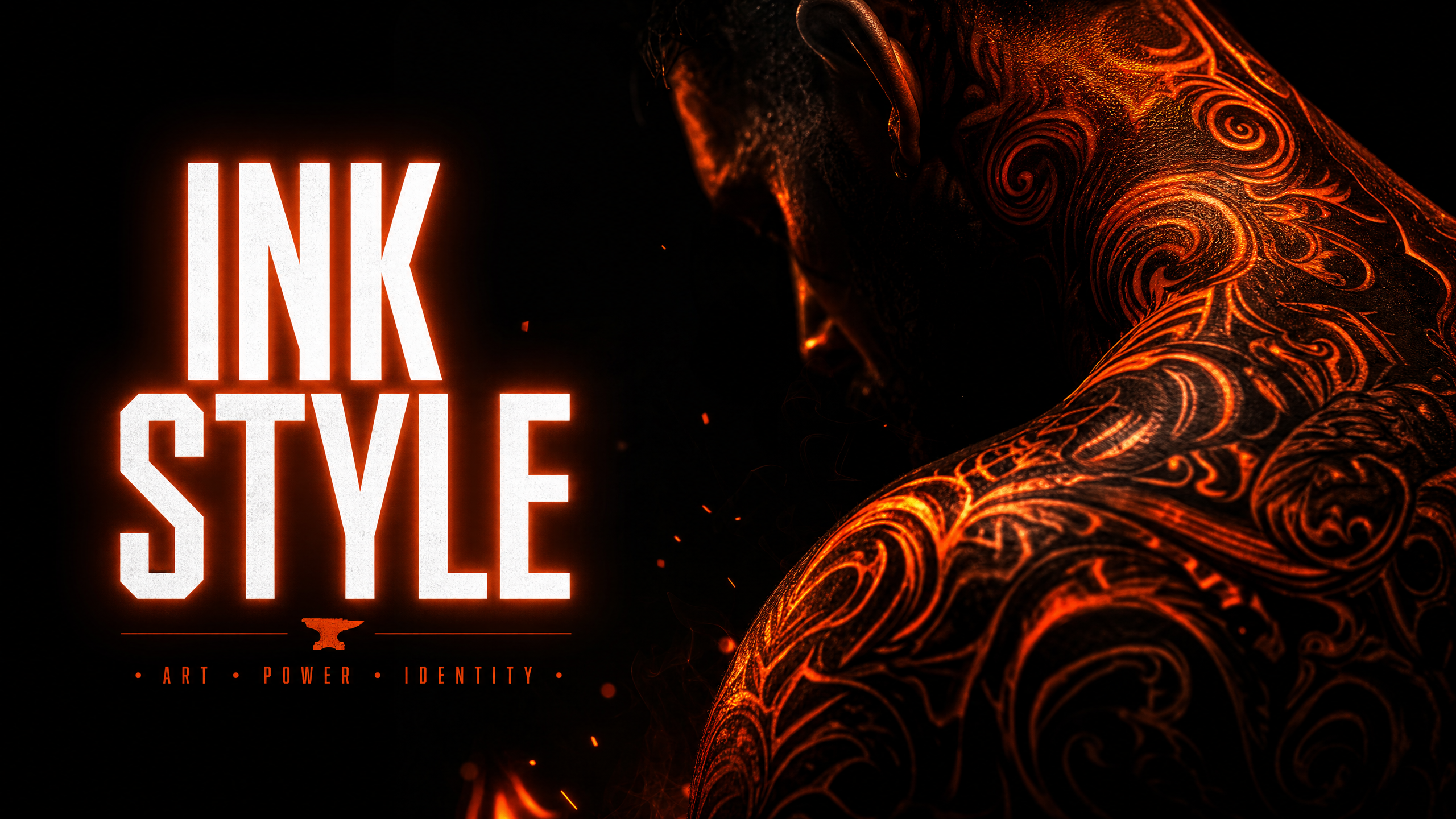
The Tattoo style adds photorealistic tattoo artwork to your image. The AI generates detailed tattoo designs that integrate naturally with the skin — correct ink color, proper skin texture interaction, and lighting that matches the original image. Great for visualizing tattoo placements, creating tattooed character content, or adding body art to existing photos.
Photorealistic ink with proper skin integration.
Tattoo follows skin texture and contours naturally.
Accurate ink color and saturation for realistic results.
Tattoo highlights and shadows match the original image.
Standard quality for speed, High quality for maximum tattoo detail.
Optimized for the Phlegethon bypass pipeline.
Visualize tattoo placements and designs on client photos.
Add tattoos to characters and personas for content.
Add body art to portrait and lifestyle photos.
Create tattooed character designs and references.
Upload a JPG, PNG, or WebP up to 20MB.
Standard quality for speed, High quality for maximum tattoo detail.
Processing takes 15–30 seconds.
Download your result, then send it through the Forge.
| Feature | Phlegethon | Tattoo Apps |
|---|---|---|
| Realism | Photorealistic AI-generated ink | Sticker overlays, low realism |
| Skin integration | Follows skin texture and contours | Flat overlay, no skin interaction |
| Custom designs | Via Custom Editor prompt | Limited preset library |
| Lighting match | Automatic | None — flat overlay |
| Bypass-ready output | Yes — forge pipeline integrated | No bypass capability |
| Output quality | Full-resolution photorealistic | Low-res sticker quality |
Try free — no credit card required. Uncensored where the product allows. 18+ only.
Start Free →