Home / Blog / Achieving Realistic Photos: Key Factors for AI I
How-ToAchieving Realistic Photos: Key Factors for AI Images
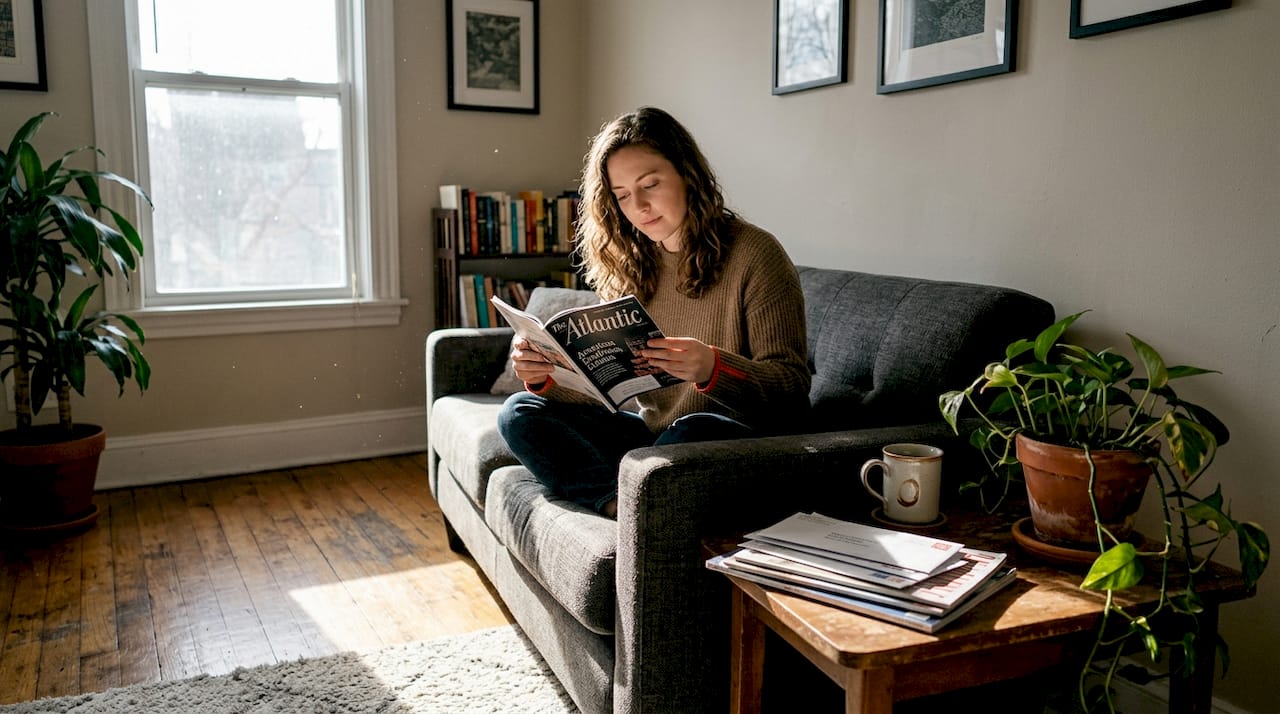
Most people believe they can spot a fake photo. They are wrong more often than they think. Research shows that scene complexity reduces human detection accuracy significantly, meaning a well-crafted AI image in a busy, layered scene can fool even trained reviewers. At the same time, AI detection tools like TruthScan and Sightengine are getting sharper, scanning for pixel artifacts, metadata gaps, and pattern anomalies that the human eye misses entirely. If you create AI-generated images for social media, portfolios, or professional use, understanding what makes a photo look genuinely real is no longer optional. This guide breaks down the core visual factors, detection methods, and practical steps you need.
What does 'realistic' mean in photo generation?
Photorealism is not the same as hyperrealism or stylization. Hyperrealism exaggerates detail to an almost surreal degree. Stylization leans into artistic choices. Photorealism, by contrast, aims to replicate the look of an ordinary camera photo, complete with its limitations and quirks. The goal is not perfection. It is believability.
For AI image detection systems and human viewers alike, believability comes from a combination of technical fidelity and perceptual cues. Technical fidelity means accurate color, consistent lighting, and sharp but not over-processed textures. Perceptual cues are subtler: the slight blur on a background object, the uneven skin tone, the shadow that falls at a slightly odd angle because real life is messy.
The fundamental attributes of a photorealistic image include:
- Color accuracy and natural grading that matches real-world lighting conditions
- Lighting and shadow consistency across every element in the frame
- Textural detail on surfaces like skin, fabric, and concrete
- Compositional naturalness, including imperfect framing
- Minor imperfections: noise, chromatic aberration, slight motion blur
> "Intentional human curation and scene complexity are the two biggest levers for achieving higher photorealism in AI-generated images."
The key insight here is that 'feeling real' is more than pixel accuracy. A technically flawless image can still feel artificial if it lacks the small inconsistencies that cameras naturally produce. That gap between technical quality and perceived authenticity is exactly where most AI images fail.
Core factors that make a photo look real
With the definition in hand, it is time to examine exactly which elements make an image appear authentic. These are not abstract concepts. Each one is a concrete variable you can adjust.
Lighting and shadow consistency is the single most important factor. Real light sources cast shadows at predictable angles. When an AI image has a face lit from the left but a shadow falling to the left as well, that contradiction registers immediately, even if the viewer cannot name it. Every light source in your scene needs to behave physically.
Natural color grading and white balance matter just as much. Real photos shot indoors under fluorescent light have a cool, slightly greenish cast. Outdoor golden-hour shots skew warm and orange. AI images often apply a neutral, balanced color palette that looks clean but reads as processed. Introduce color temperature variation that matches your scene's light source.
Textural detail on skin, fabric, and surfaces is where many generators still struggle. Skin should have pores, slight unevenness, and variation in tone. Fabric should show weave patterns and slight wrinkles. Surfaces like concrete or wood should have micro-variation, not a tiled or repeated texture.
Compositional imperfection is underrated. Real photographers frame shots with slight asymmetry, accidental cropping of limbs, or subjects slightly off-center. AI images often default to perfectly centered, symmetrical compositions that feel staged. Introduce subtle compositional quirks.
Noise and grain are your friends. Film and digital cameras both introduce noise, especially in shadows or at higher ISOs. A completely noise-free image reads as synthetic. Adding a small amount of luminance noise (not color noise) mimics real camera behavior.
How AI detectors identify fake images
Understanding how detection systems work helps you know what to avoid. Most modern AI detectors use deep learning models trained on millions of real and AI-generated images. They look for statistical anomalies — patterns that deviate from what real cameras produce.
Frequency analysis is one common approach. AI images often have unusual patterns in the frequency domain (how colors and tones distribute across spatial scales). Real photos have more natural frequency distributions.
Artifact detection looks for telltale signs of generation: repeated textures, impossible lighting, anatomical errors, or unnatural color transitions.
Metadata analysis checks for EXIF data inconsistencies. AI-generated images often lack proper EXIF headers or have suspicious metadata.
Ensemble methods combine multiple detection techniques. A single detector might miss something, but three detectors checking different properties are harder to fool.
The key takeaway: detectors are looking for statistical deviation from "normal" photos. The more your AI image resembles a real camera photo in every statistical dimension, the harder it is to detect.
Practical steps to improve photorealism
Start with a strong prompt. Specificity matters. Instead of "a woman in a room," try "a 28-year-old woman with warm brown eyes, wearing a cream linen shirt, standing by a window with soft afternoon light, shot on a 50mm lens, shallow depth of field, shot on Fujifilm Portra 400 film."
Use negative prompts aggressively. Tell the generator what NOT to include: "avoid symmetry, avoid perfect skin, avoid studio lighting, avoid centered composition, avoid oversaturation."
Upscale thoughtfully. Upscaling can introduce artifacts. Use a quality upscaler like Topaz Gigapixel AI, which preserves natural texture better than basic interpolation.
Edit in post. After generation, open the image in Photoshop or Lightroom. Add subtle grain, adjust white balance, introduce minor color shifts, and add realistic shadows or highlights where needed.
Test against multiple detectors. Don't rely on one detector's verdict. Use TruthScan, Sightengine, and ZeroGPT to cross-check. Different detectors have different sensitivities.
Iterate. Your first attempt might score 45% AI probability. After editing and re-testing, it might drop to 15%. Keep refining.
Common pitfalls
Over-processing — Heavy filters, extreme saturation, or aggressive sharpening all scream "fake." Real photos are usually subtler.
Ignoring anatomy — AI still struggles with hands, teeth, and complex anatomy. Even if a detector doesn't catch it, humans will. If anatomy looks off, regenerate.
Uniform lighting — Real scenes have light falloff, shadows, and variation. Uniform lighting is a red flag.
Perfect skin — Flawless skin is actually suspicious. Real skin has pores, blemishes, and texture variation.
Metadata neglect — Before sharing, strip EXIF data using a tool like Verexif or Exiftool. Suspicious metadata can trigger manual review.
Conclusion
Creating photorealistic AI images is a skill that combines technical knowledge of how generators work, understanding of photographic principles, and awareness of how detectors operate. The best approach is iterative: generate, test, edit, re-test, and refine. Start with strong prompts, use negative prompts to exclude common artifacts, edit in post-production, and always test against multiple detectors. The more you understand both the capabilities of generators and the limitations of detectors, the better your results will be.
For creators who need a more automated approach, tools like Phlegethon can process your images through a multi-layer forensic pipeline, handling the detection-evasion work for you. But understanding the principles behind photorealism will make you a better AI image creator regardless of which tools you use.
Forge past detection
Process AI images with Phlegethon — try free, no credit card required for any tool.
Start Forging Free